Saving Your Default Filters View
Last updated: June 11, 2026
| Tier | Deployment |
|
|
|
You can save the current state of your filters and their settings at any time. The current state includes the existing filters, their configuration, and the order in which they appear in the filters panel.
After making changes to any of the above settings, you will be able to restore your filters to their previously saved state.
To save your current set of filters:
-
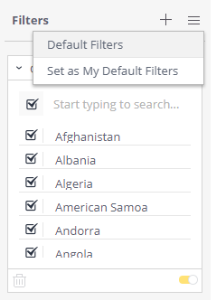
In the Filters menu, click Set as My Default Filters.
To restore a saved filters set:
-
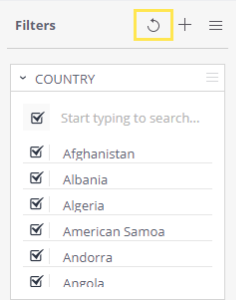
Click the restore icon next to the Filters menu.
Note:
The Default Filters are saved to the current shared version of the dashboard and are reset after every dashboard republish.