Exploring Dashboards
Last updated: June 11, 2026
| Tier | Deployment |
|
|
|
In the Analytics page, you can see dashboards that were shared with you on the left or the main dashboard area below.

To open a dashboard, you can click the title of the dashboard on the left side or click the dashboard tile below. This opens up the dashboard inside the Analytics page.

Alternatively, if you have a lot of dashboards, you can search for dashboards by typing the title in the Search field. As you begin typing, any relevant results are displayed.
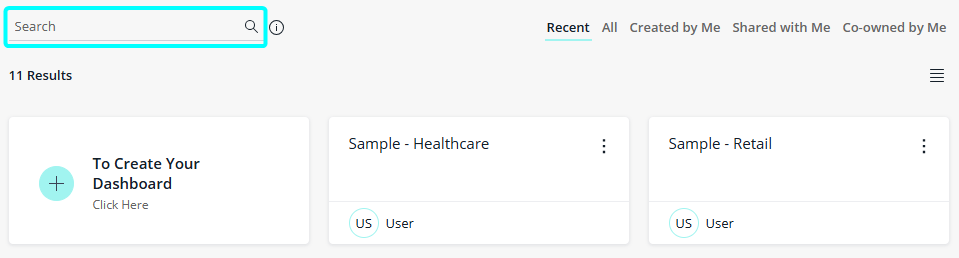
To locate a dashboard by name, source, or owner, you can use search operators within the Search field.
Sisense supports the following operators:
|
What You Can Search By |
Search Operator and Examples |
|---|---|
|
Dashboard name |
Name: Example: Name:Sales |
|
Data source |
Source: Example: Source:Sample eCommerce |
|
Dashboard Owner |
Owner: Example: Owner:John |